Use this screen when instructed to by an IAT support representative.
Instructions
Use the area on the right side of the screen to connect to a remote support session. The images below are for demonstration purposes only.
Select an IAT Team representative within the representatives block and you will be presented with a new window.
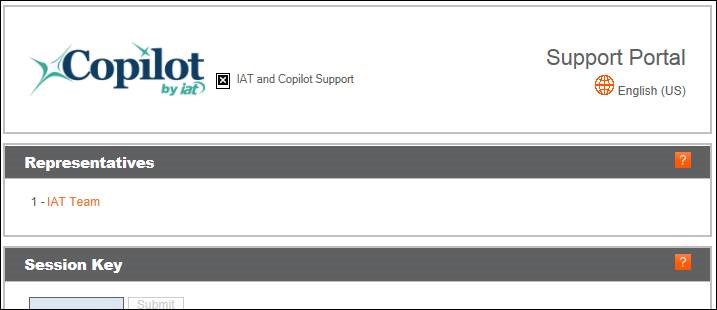
A new window will appear. Select the link in option 1 to start the download.
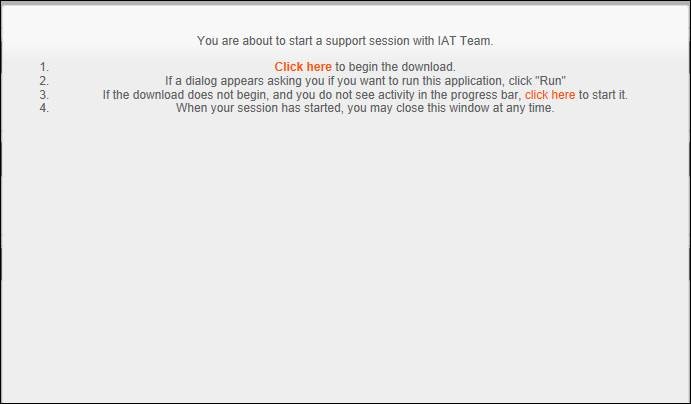
You should see a window like below after a few seconds.
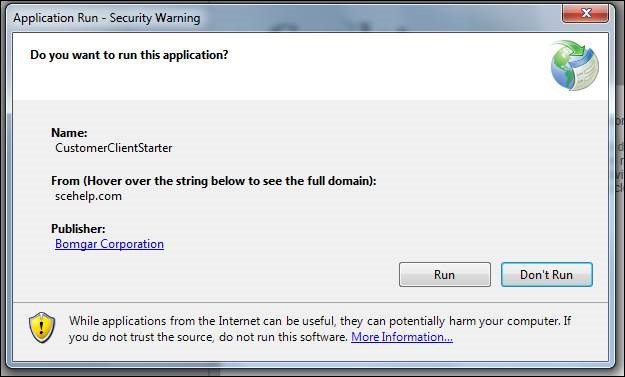
Choose Run.
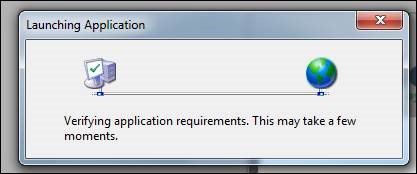
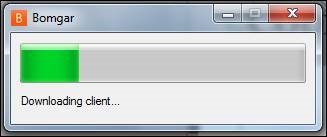
You should see this window first. The progress bar will load as you begin to download the Bomgar client.
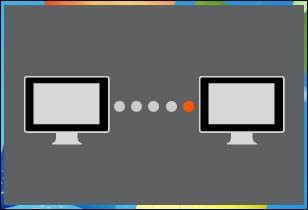
Next, the image on the right will appear in the middle of the screen as your temporary client connecting you our support
server. Please be patient as the client connects.
Once a connection has been established, you will see the box below.

A representative will give you steps to follow once your connection has been made.